
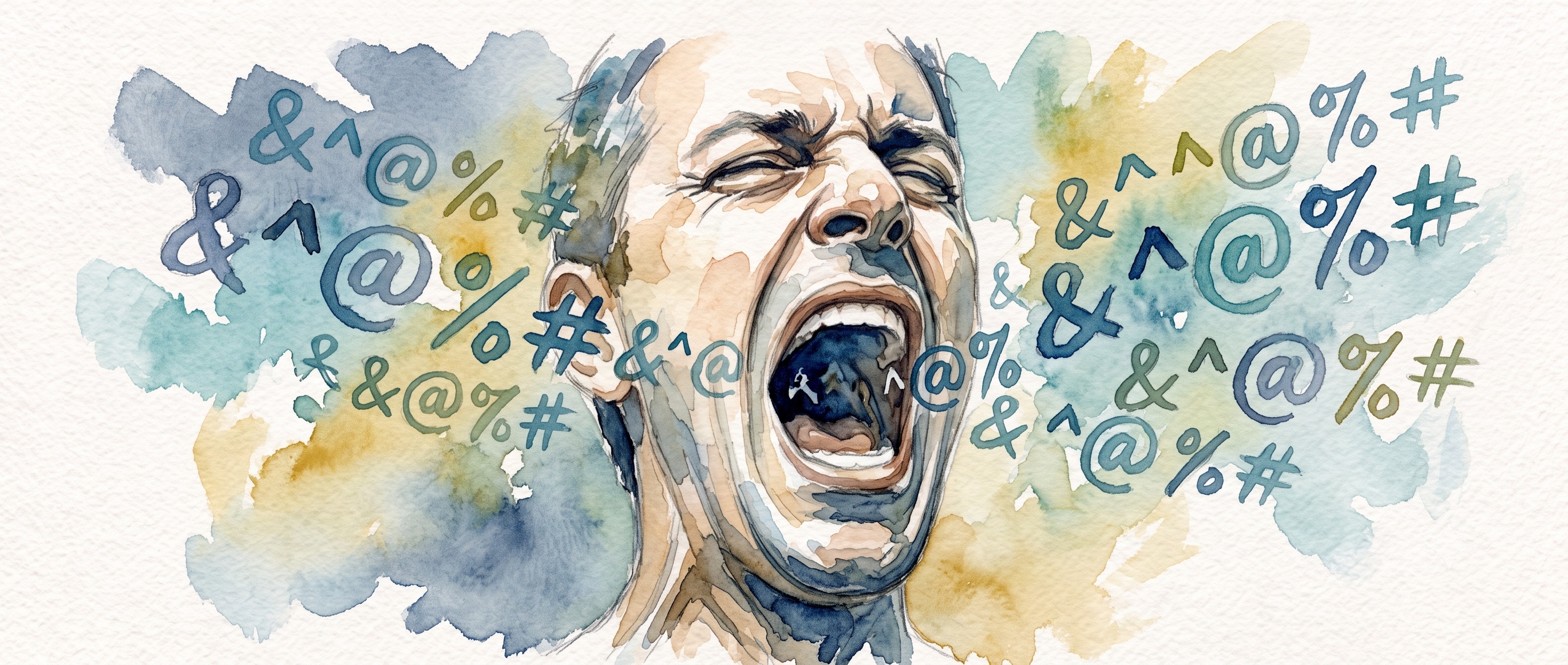
Lock it Down: The Word-Filter Playbook for Political Pages
If you run a political page, you already know: the comments section is where democracy goes to die. Where you'd hope to find healthy debate, instead you'd find coordinated brigades dropping racial slurs, dogwhistles, and the same three bad-faith talking points on every post. The algorithm loves the engagement but your community hates it and you’d rather be doing anything else. Here's how to stop or at least slow it down before it hits your timeline.
The Golden Rule
Filter conduct, not viewpoint. A white-list that blocks "Trump" or "MAGA" doesn't protect your page — it makes you look scared, generates screenshots for the trolls, and buries legitimate critics you should actually be talking to. Filter slurs, harassment, coded hate speech, and coordinated spam language.
Now, platform by platform.
Facebook Pages
Best feature on this platform. Facebook lets you block up to 1,000 keywords and auto-hides variations (misspellings, leetspeak, plurals, emoji substitutions).
The path:
- Click your profile photo (top right) → See all profiles → Select your Page
- Click your Page photo → Settings & privacy → Settings
- Left menu: Followers and public content
- Click Hide comments containing certain words from your Page
- Paste your keyword list as comma-separated values
- Click Show Variations - Facebook surfaces the evasion versions it caught. Remove any from your list to save space. Hit Save.
Pro tip: You can upload from a .csv file via the Options button if your list is long. Copy the same list across multiple Pages with the Options → Copy feature.
Also turn on: Settings → Moderation Assist - it can auto-hide or flag comments matching your filter, and you can set rules like "hide if comment contains 2+ blocked keywords."
Instagram has a Hidden Words feature that works across comments and message requests. It's less aggressive than Facebook's but still effective.
The path:
- Profile → More (☰ bottom left on desktop, top right on mobile) → Settings
- On Desktop
- Left Settings Menu → Hidden Words
- Toggle Hide unwanted comments ON (covers common offensive language automatically)
- Toggle Hide comments
- Tap Manage custom words and phrases
- Enter your keywords separated by commas
- Tap Submit
- On Mobile
- Section: How others can interact with you
- Hidden Words
- Enter your keywords separated by commas
- Tap Submit
Limitation: No easy bulk upload from CSV on mobile. You'll be typing or pasting. Keep your list tighter here - the 40–60 most impactful words.
X (Twitter… you remember Twitter right?)
X lets you mute words from both Home timeline and Notifications, separately configurable. One word at a time (annoying). Set duration to Forever so you don't have to re-add.
The path:
- More (side menu) → Settings and privacy
- Privacy and safety → Mute and block
- Muted words
- Click the + icon
- Enter a single word or hashtag
- Check Home timeline and Notifications
- Select From anyone
- Under Mute timing → Forever
- Click Save
- Repeat for every goddamn word (yes, one at a time)
Important: X does not auto-detect evasion variants. "f4g" and "fag" are two separate entries. Prioritize your top 20 most toxic terms here.
TikTok
TikTok's keyword filter lives inside the Comments section of Privacy settings. It catches and holds flagged comments for your review. Nothing gets posted without your say-so if you enable Filter all comments alongside.
The path on mobile:
- Profile → Menu (☰) → Settings and privacy
- Under Interactions → Comments
- Filter Specific keywords
- Filter keywords in comments → Toggle Filter specific keywords ON
- Tap Add keywords
- Enter words one at a time or paste (TikTok parses them)
- Also turn on Filter unwanted comments - catches spam and offensive content automatically
- Also consider turning on Filter all comments - nothing posts without your approval. Essential for high-risk posts.
- Review regularly: Review filtered comments in the same menu
Bluesky
Bluesky's Muted words & tags is straightforward and fast. You can mute for Forever or set a timer (24h / 7d / 30d). You can also exclude users you follow, useful if allies use the same terms differently.
The path:
- Settings (☰) (top-left) → Moderation
- Muted words & tags
- In the dialog box:
- Type your word or phrase
- Set Duration → Forever
- Set Mute in → Text & tags (catches mentions and hashtags)
- Optionally check Exclude users you follow
- Tap Add
- One word at a time. Won't take long for a focused list.
Warning: It's case-insensitive but substring-matches. "race" will also block "racecar," "brace," etc. Keep terms specific.
Sources to Keep Your List Current
No one wants to make this list and I’m not going to publish one lest Google become very confused about the themes of this website, but here’s some starting points to assemble your own list.
- ADL Hate Symbols Database - adl.org/resources/hate-symbols (the H.E.A.T. map)
- Hatebase.org - crowdsourced hate speech vocabulary, no longer updated but still valuable
- GLAAD Media Reference Guide - glaad.org/reference - keeps current on anti-LGBTQ slurs
- Frontgate Media's 723 Bad Words List - originally Christian-moderation-focused, surprisingly comprehensive for general profanity
- Log off your own feed - the best intel comes from watching what actually shows up in your comments. Every quarter, audit your filtered items, note new evasion patterns, add them.
Final Advice
Review your filtered comments weekly. Platforms screw up. Facebook will catch something that wasn't offensive, and TikTok's overzealous filter will grab a user who was agreeing with you. Approve the false positives. Train your list.
Combine filters with user-level tools - Other tools may be available on your platforms such as three-strikes bans, minimum account age, no-new-accounts comments. A word filter alone won't stop a dedicated jerk, but a layered defense stops 95% of them before you see a single letter.
Don't publish your filter list. If trolls know exactly what you're blocking, they'll find the gaps. The list I gave you is a starting point. Add, prune, evolve.
The truth is, you can't make a political page and expect rainbows. But you can make damn sure the comment section isn't a Klan rally.
Corrections & Updates
7/22/2026 - Linked all "Sources to Keep Your List Current" bullets where applicable and noted that Hatebase.org is no longer updated.
Comments on this entry are currently disabled.